

Digital signage · United Kingdom
Screen software that runs on the screen you already own.
Synk puts images, video, PDFs and menu boards on one screen or fifty — for cafés, clinics, gyms, showrooms, garages, salons, offices and anywhere else with a display. You upload the content and set the hours. The screen collects the rest over the network.
Opening soon · waiting list open
Already a customer? Sign in. Pricing is published in full — you can decide before you are let in.
Orientation
Portrait and landscape, per screen.
Orientation is a property of the screen, not of the account. A landscape menu board above the counter and a portrait poster in the window can run from the same portal, on the same playlist or on different ones.
Content built portrait stays portrait. Nothing is stretched to fit.
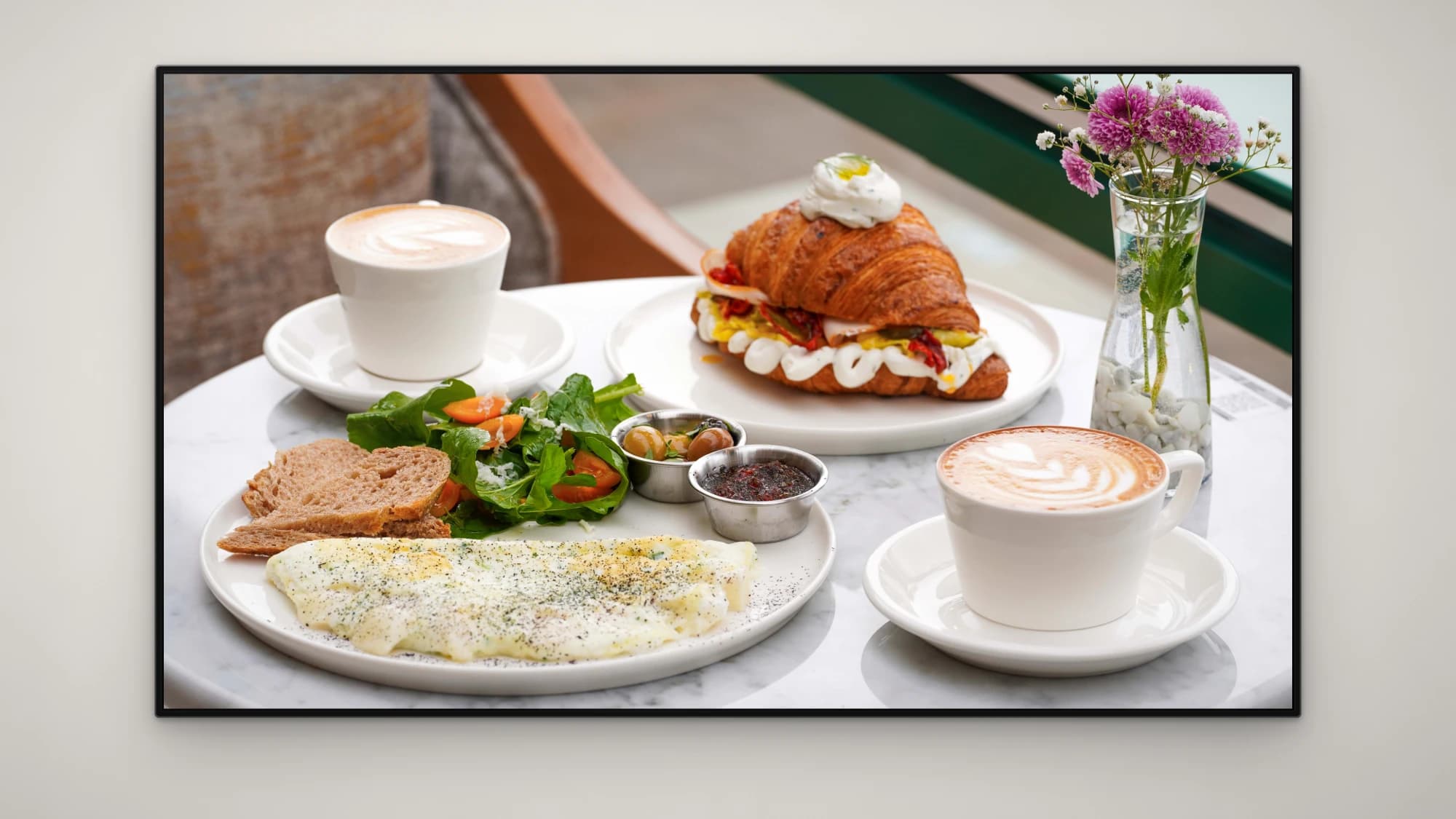
Landscape · 1920 × 1080
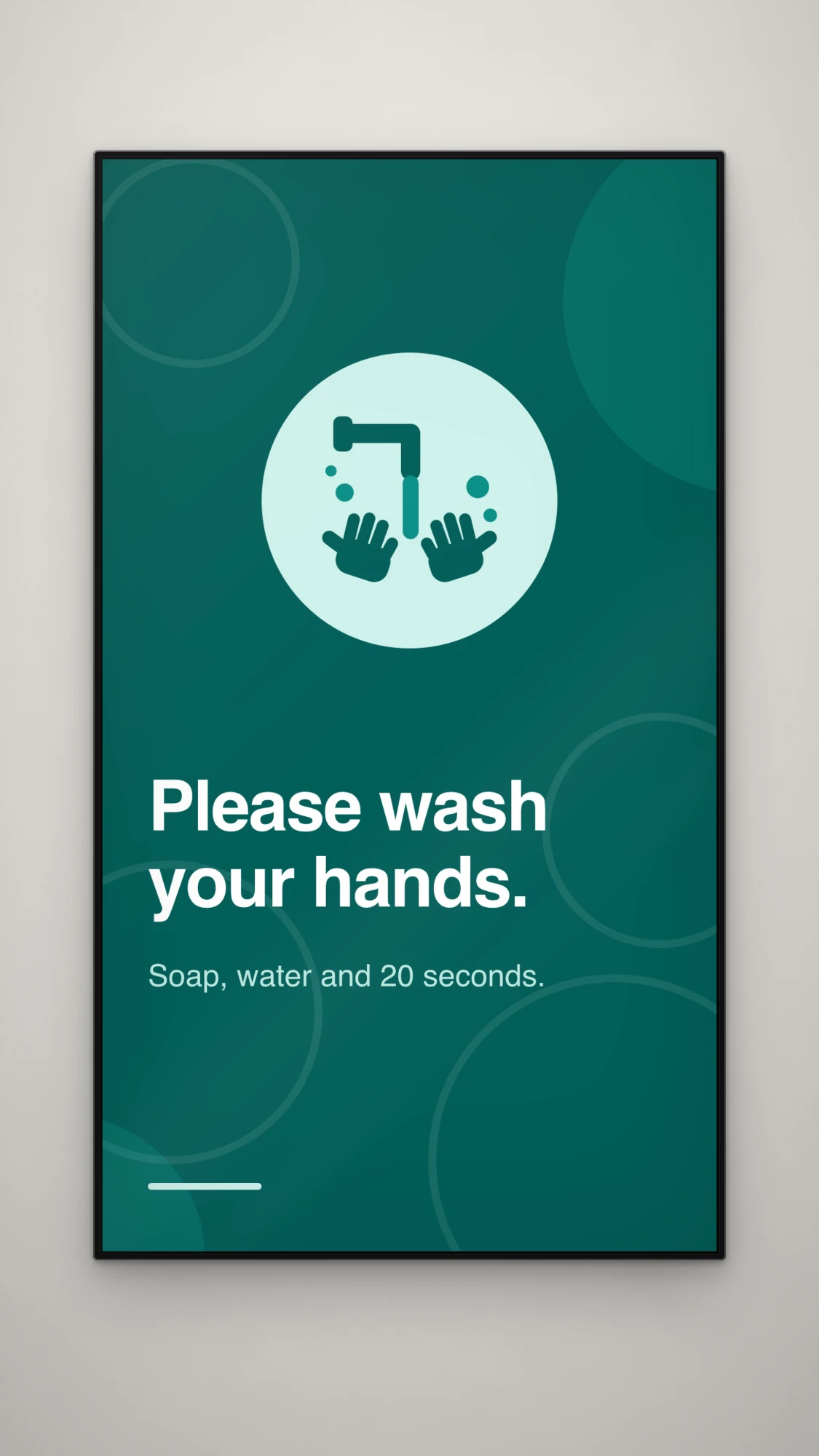
Portrait · 1080 × 1920
How it works
Three things, then it looks after itself.
- 01
Upload what you already have
- 02
Set the order and the hours
- 03
Publish and the screen picks it up
The product
This is the software, not a rendering of it.
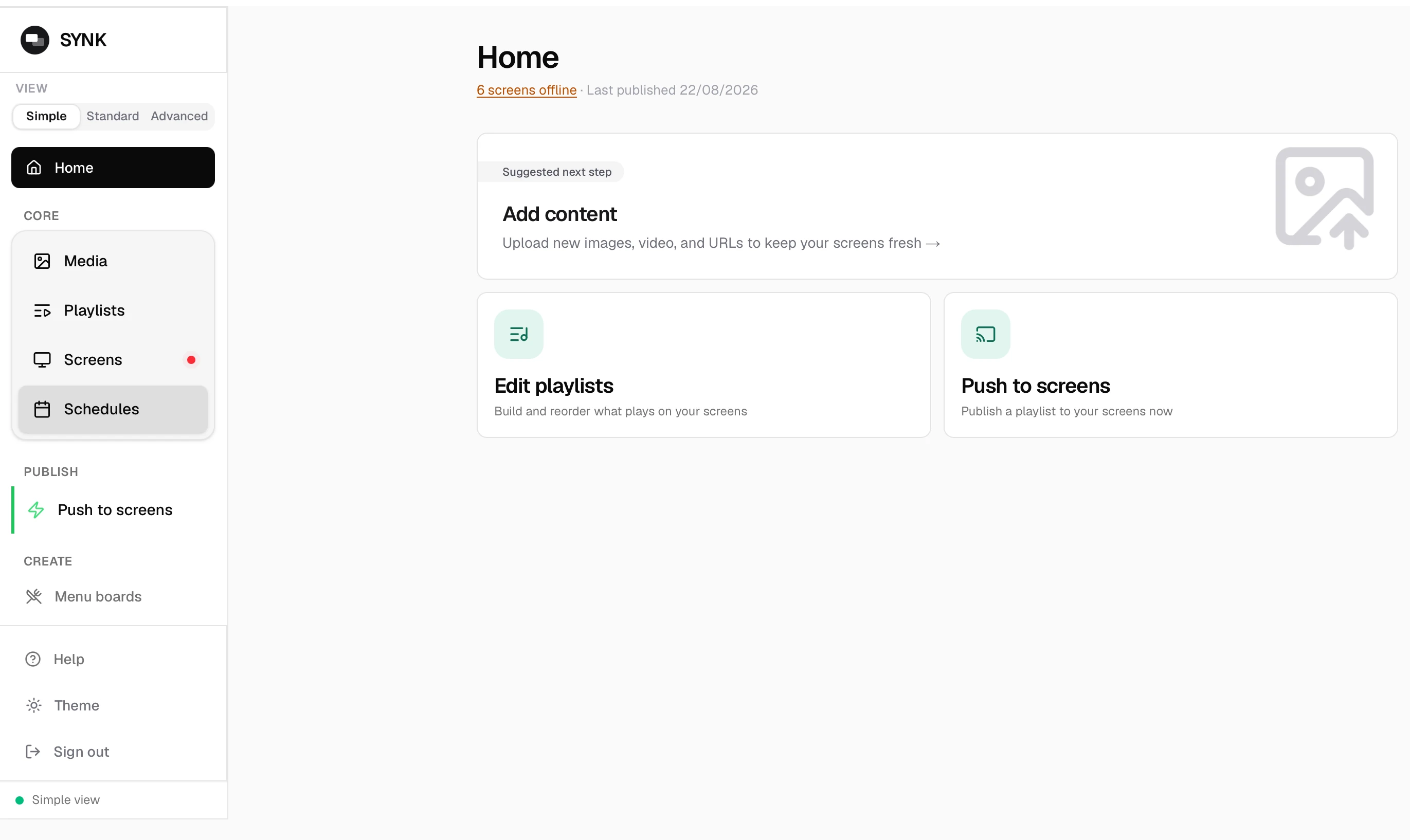
Three screens from a working account. Real content from a real account, so you see exactly what you will be working with day to day.
The productCapabilities
What it does, in plain terms.
Everything listed here is in the product today.
- Content types
- Images, video, PDFs and designs built in the portal — menu boards and notices among them.
- Time-of-day scheduling
- Different content at different hours on the same screen. Set it once; it repeats.
- Screens and groups
- Publish to one screen, a group, or everything. Each screen keeps its own orientation.
- Live widgets
- UK transport departures (TfL), weather and menu boards that update from the portal.
- Remote control on Samsung
- On supported Samsung panels: power schedules, so the screen sleeps when you close and remote lock.
- Screenshots from a live screen
- Confirm what is on a display without standing in front of it.
- Staff, roles and an audit trail
- Several people can have accounts with different permissions and changes are recorded.
- Self-updating players
- Player software updates arrive over the network. No USB sticks, no site visits.
- Three interface modes
- Simple, Standard and Advanced, so the portal can match who is using it.
- Partner and white-label
- A programme for resellers and AV installers who want to run screens under their own name. Ask about it.
Hardware
Named platforms and what you need to buy.
Most people already own something that works. Find your case below.
HardwarePrice
One figure, per screen, per month.
£15per screen / month
VAT Registered · Monthly, cancel whenever you like
No setup fee, no minimum term and no charge for extra staff accounts. Running 10 or more screens? Talk to us about volume pricing.
Included at that price
- Unlimited playlists and schedules
- Generous media storage allowance
- Unlimited staff accounts, with roles
- Widgets, menu boards and portal designs
- Player updates and support
Waiting list
Be first to know when Synk opens.
Sign-ups are closed while we bring venues on in order. Leave an address and you will hear from us the day that changes — the price on this page is the price you will pay.